
Password Registration
Enter your phone number or email, then set a password and confirm it to create your account.
X666 is an online slots casino open to players in Pakistan. A new account gives you access to the casino. The registration form is available directly on this website. You can register using a phone number with the +92 prefix or an email address. After entering your contact details, you set a password or use a code to complete the process. Tick the 18+ checkbox and confirm the User Agreement to submit your form. Use the button below to open the X666 registration form and create your account today.
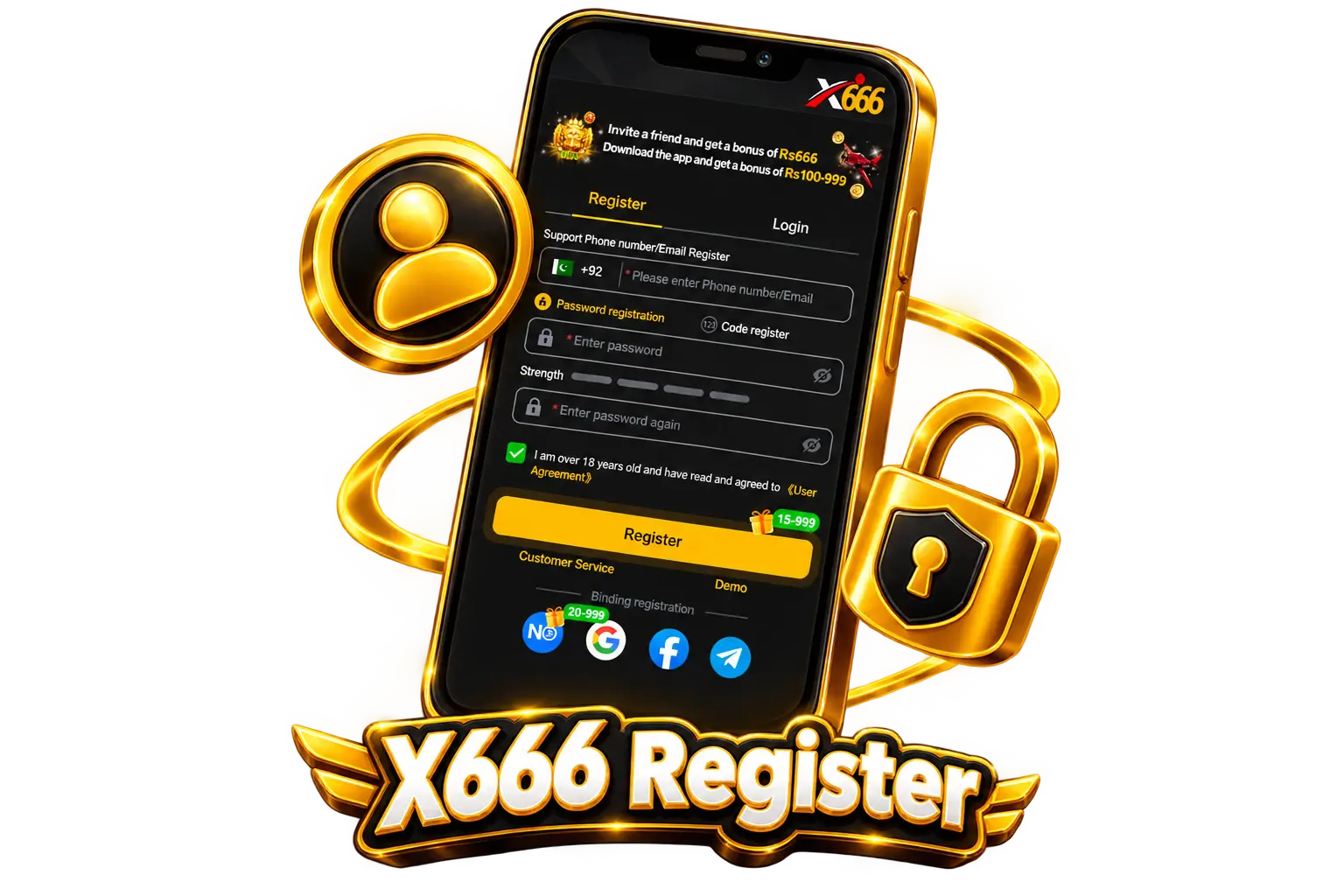
The X666 sign up form offers two registration methods. Both are available on the same form under the Register tab. You enter your phone number with the +92 prefix or your email address, then choose the method that suits you.
Enter your phone number or email, then set a password and confirm it to create your account.
Enter your phone number or email, then use a code sent to that contact detail to complete your registration.
The X666 registration process for players in Pakistan is completed directly on this website. You need a valid phone number with the +92 prefix or an email address. The form is under the Register tab. Follow the steps below to create your new account.
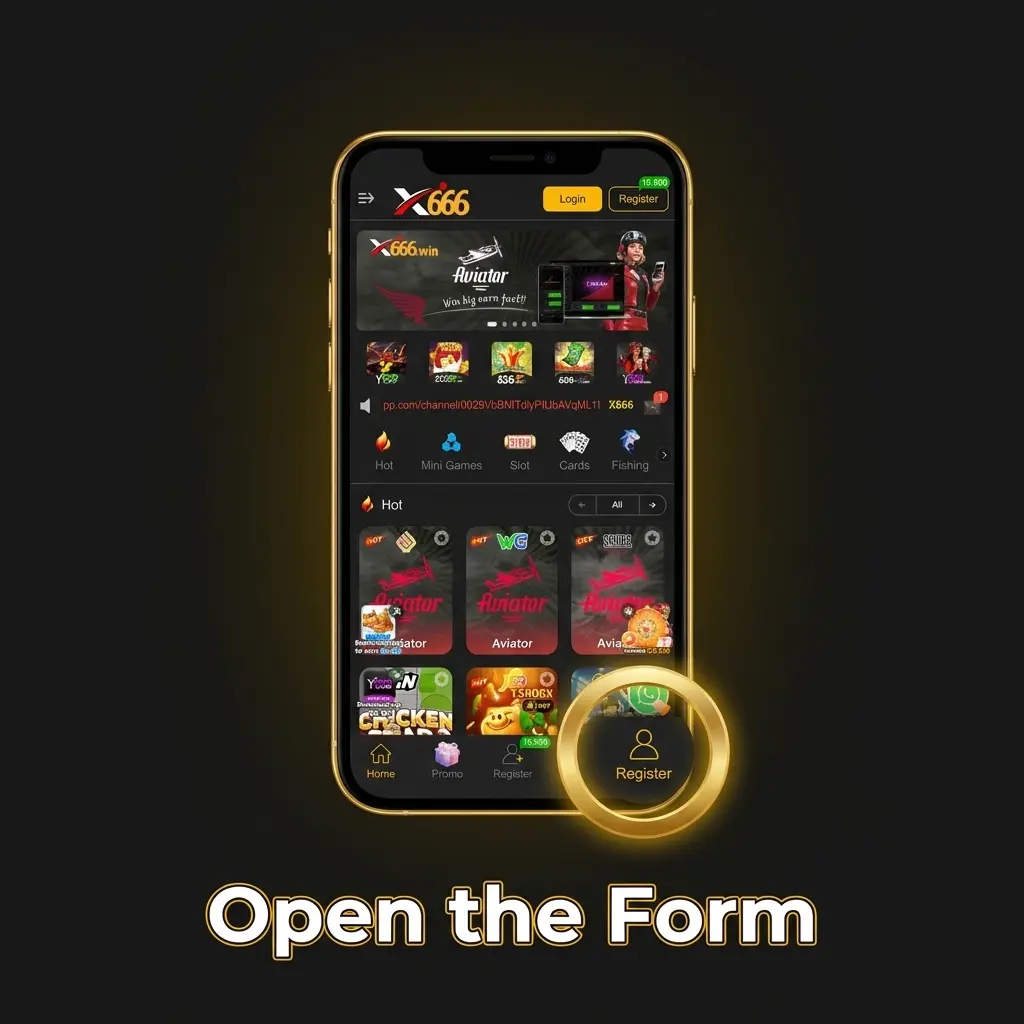
Click the button on this page to open the X666 registration form.
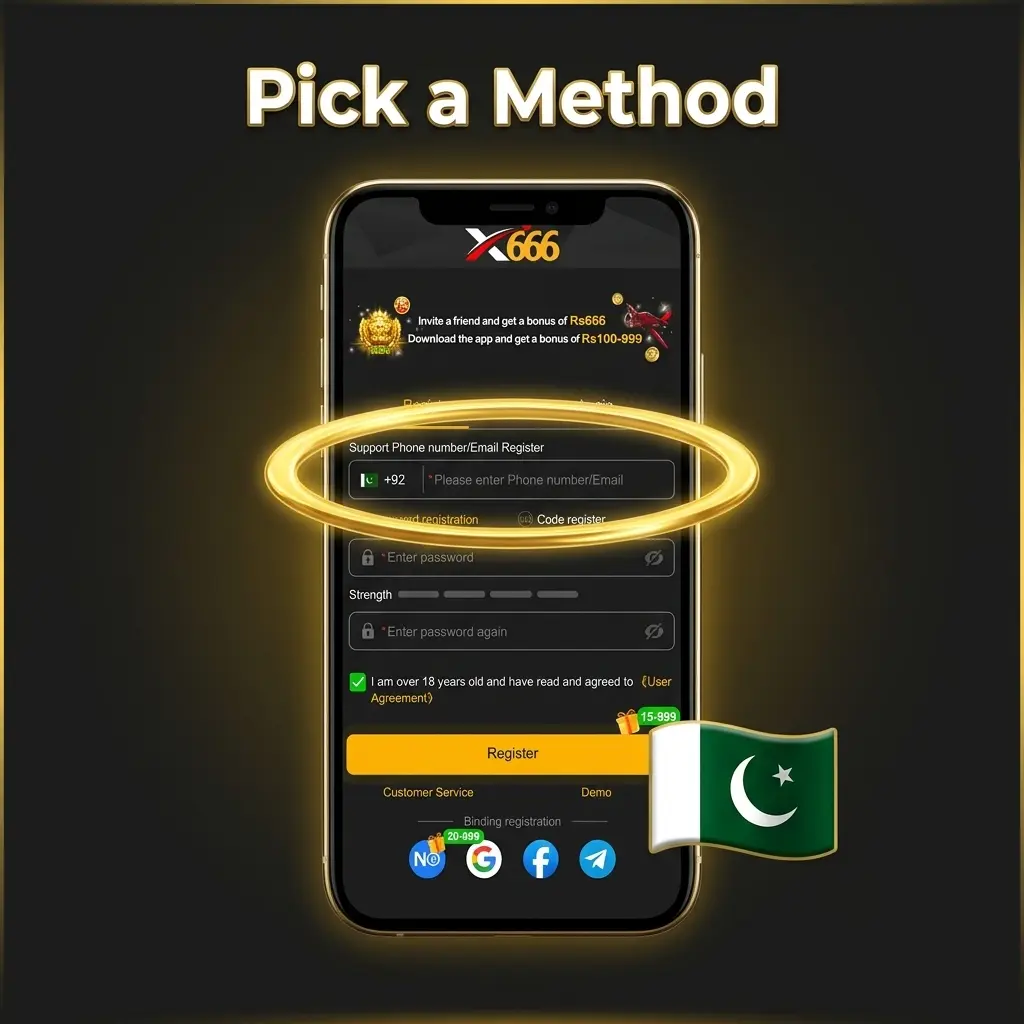
Choose phone number or email as your contact detail. If you use a phone number, include the +92 prefix.
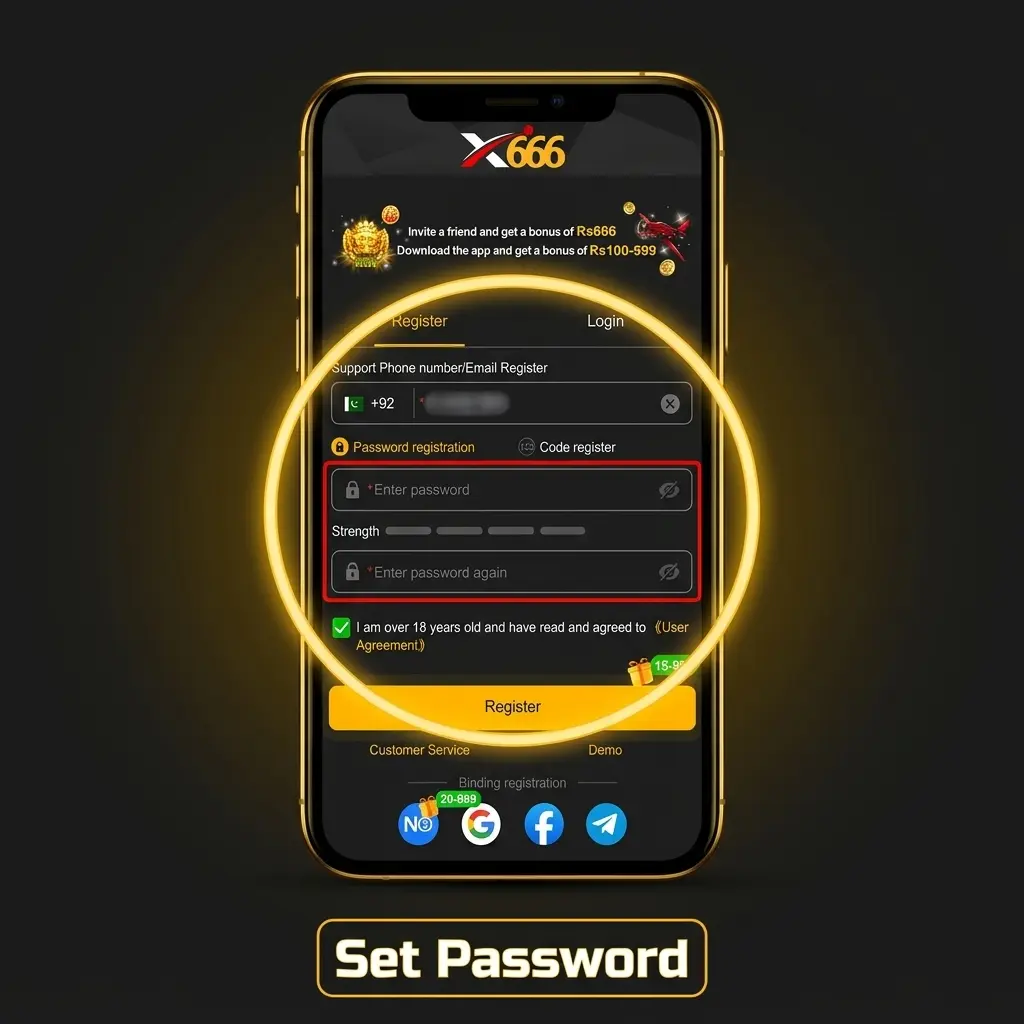
Select Password Registration and enter a password, then confirm it. For Code Register, request a code to be sent to your contact detail instead.
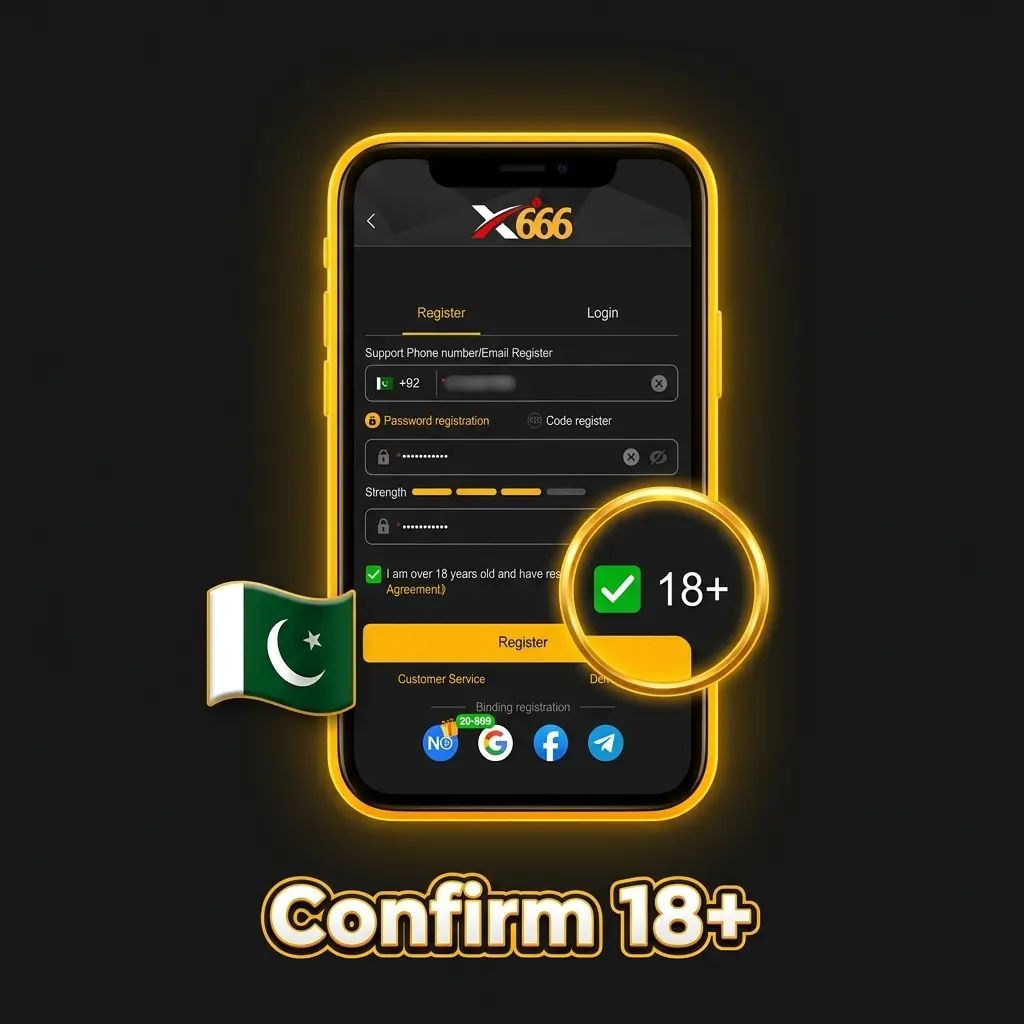
Tick the checkbox confirming you are 18 or older and that you have read and agreed to the User Agreement.
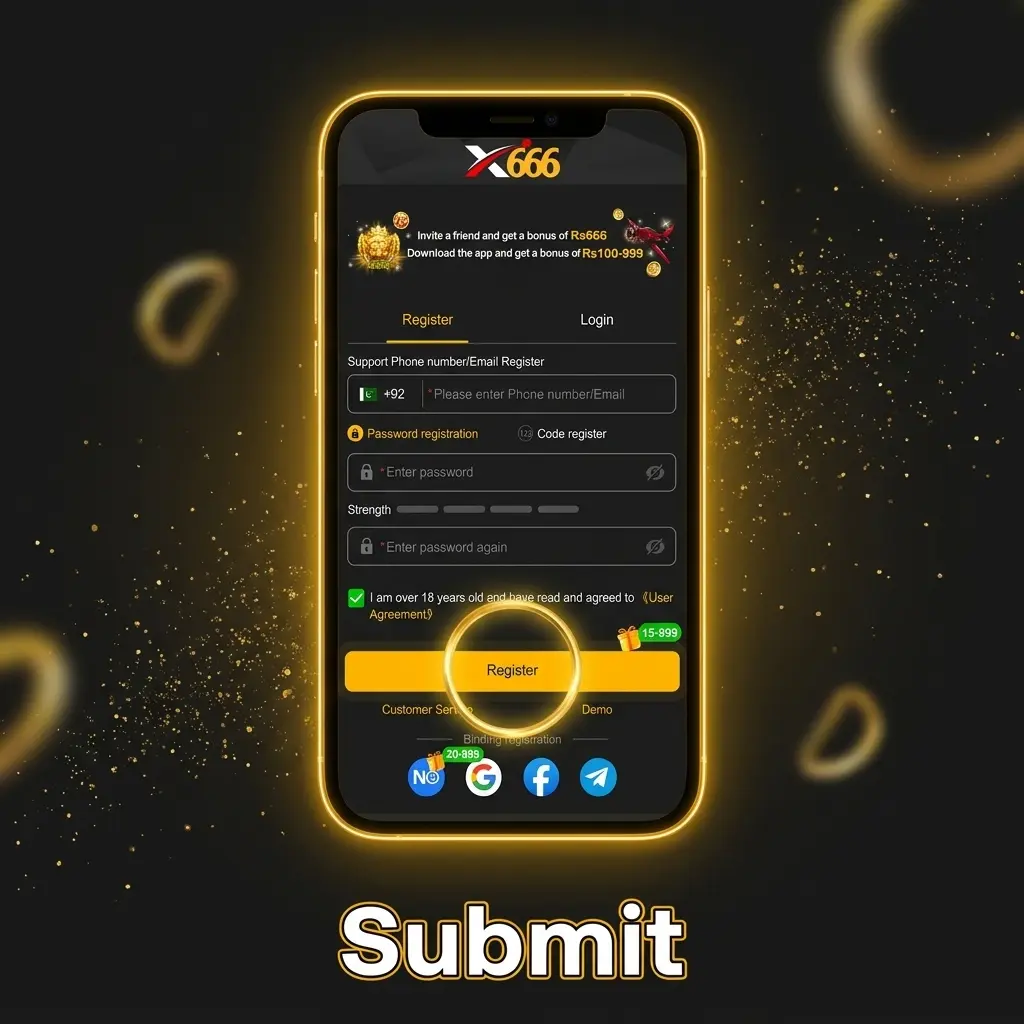
Click the Register button to submit the form and complete your X666 registration online.
To complete your X666 registration, you need to meet a small number of requirements before the form can be submitted. These requirements are confirmed directly in the registration form. The table below lists what is checked at sign-up.
| Requirement | Details | Verification Needed |
|---|---|---|
| Age | 18 or older | Confirmation at sign-up |
| Agreement | User Agreement | Confirmation at sign-up |
Account verification on X666 starts with an age check. You confirm your age by ticking the checkbox on the registration form before you submit. The table below shows this verification step.
| Verification Type | Purpose | When Required |
|---|---|---|
| Age confirmation | Confirms you are 18 or older | At sign-up |
A few common issues can prevent the registration form from being submitted. Most problems relate to incorrect contact details or unchecked form fields. The table below covers the most likely causes and their solutions.
| Problem | Possible Cause | Solution |
|---|---|---|
| Account already exists | The phone number or email is already linked to an existing account | Use the Login tab and log in to your existing account |
| Phone number not accepted | The number does not include the +92 prefix | Check the number and add the correct prefix before submitting |
| Form not submitted | The 18+ checkbox or User Agreement box is not ticked | Tick both checkboxes and submit the form again |
You can complete your X666 register process from a smartphone without using a desktop. Android users can download and install the dedicated APK app to access the casino and open the registration form. iPhone users can add the X666 PWA to their home screen through Safari and register from there. Use the button below to get started on your mobile device.
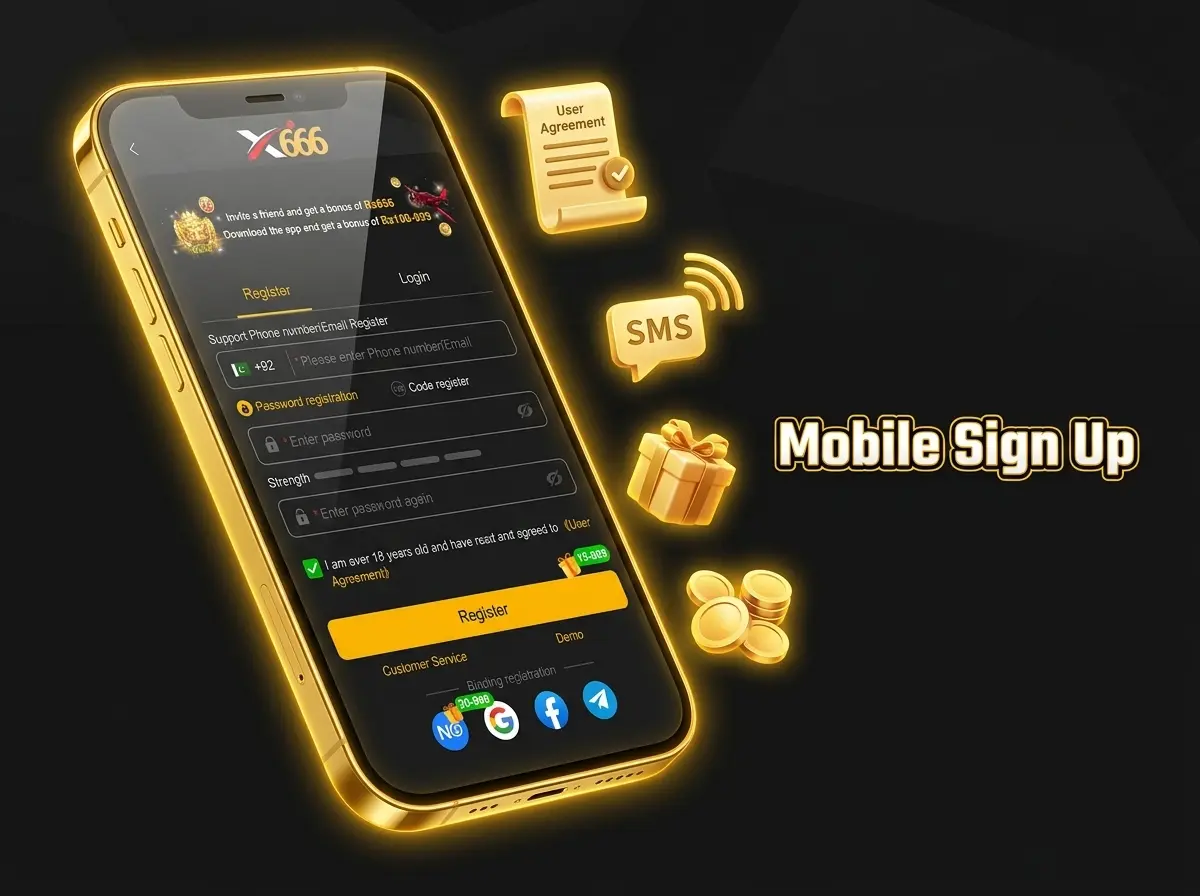
After you have completed your X666 registration, you can log in at any time using the Login tab on this website. Use the same contact detail and password you set during sign-up. Keep your login credentials stored securely so you can access your account without issues. Players in Pakistan should include the +92 prefix when entering a phone number.
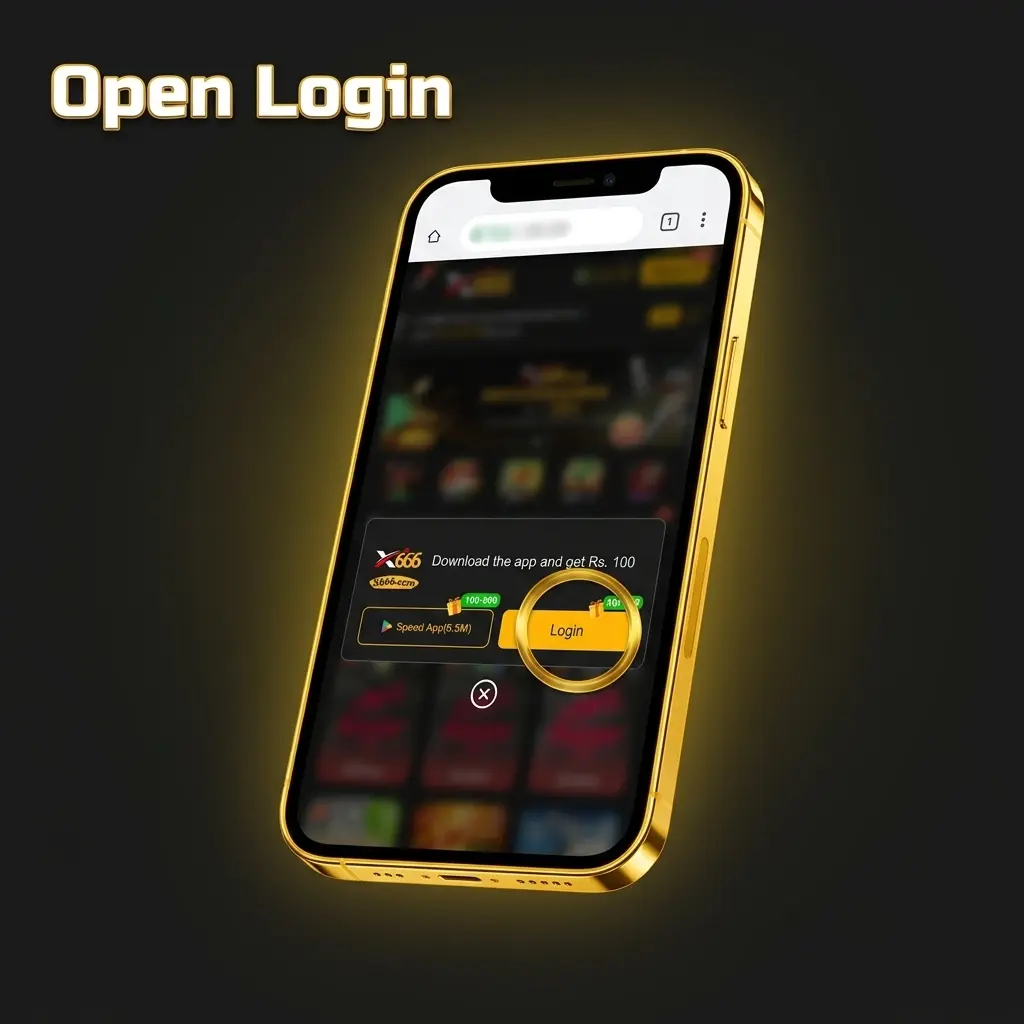
Click the button on this page to open the X666 website and navigate to the login area.
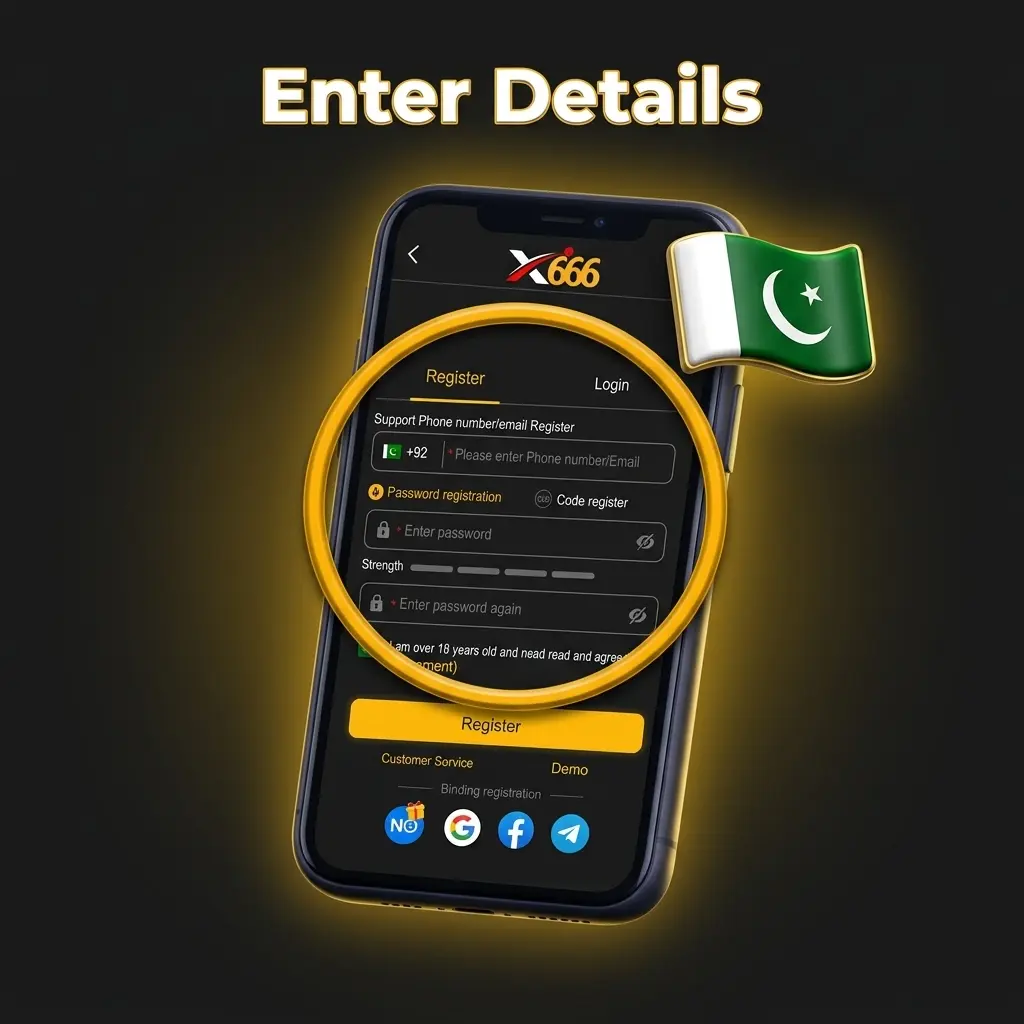
Click the Login tab on the form to switch from the registration view to the login fields.
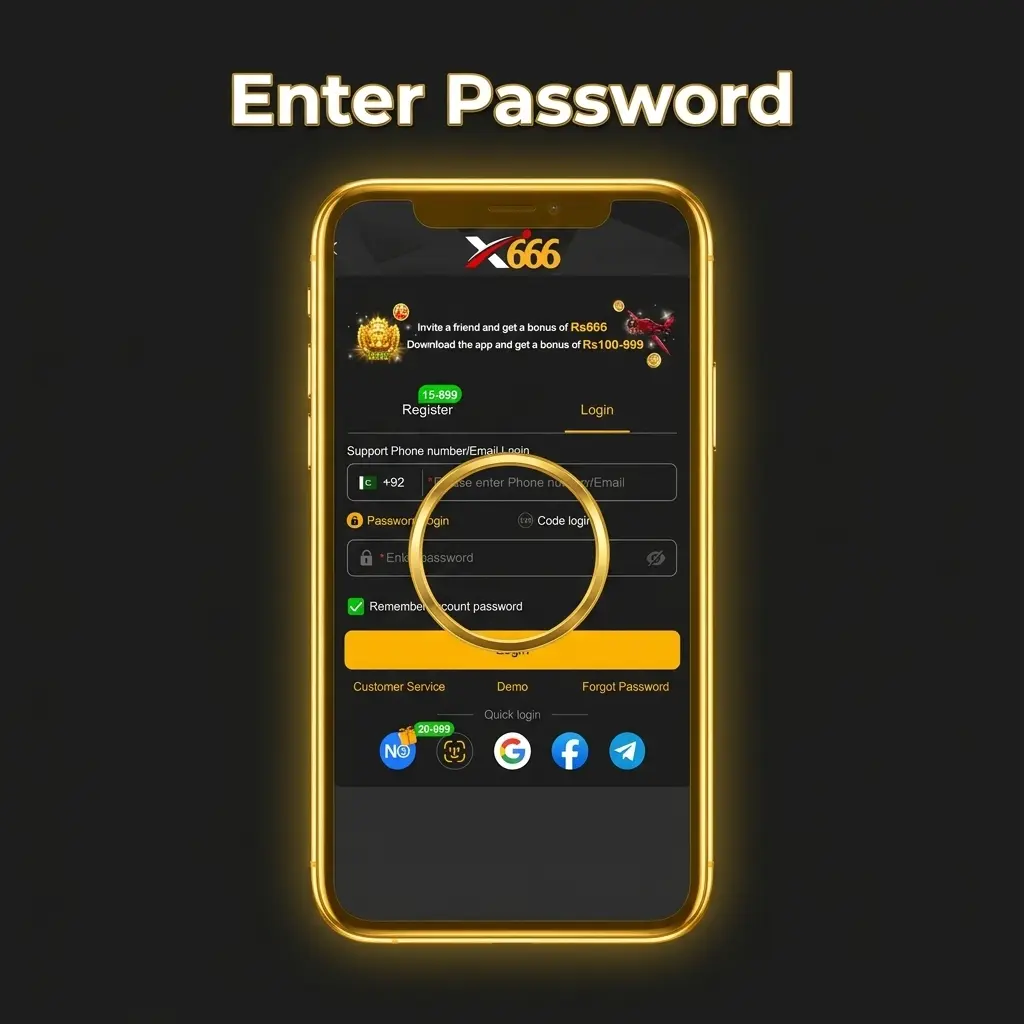
Type your phone number with the +92 prefix or your email address, then enter the password you set at registration.
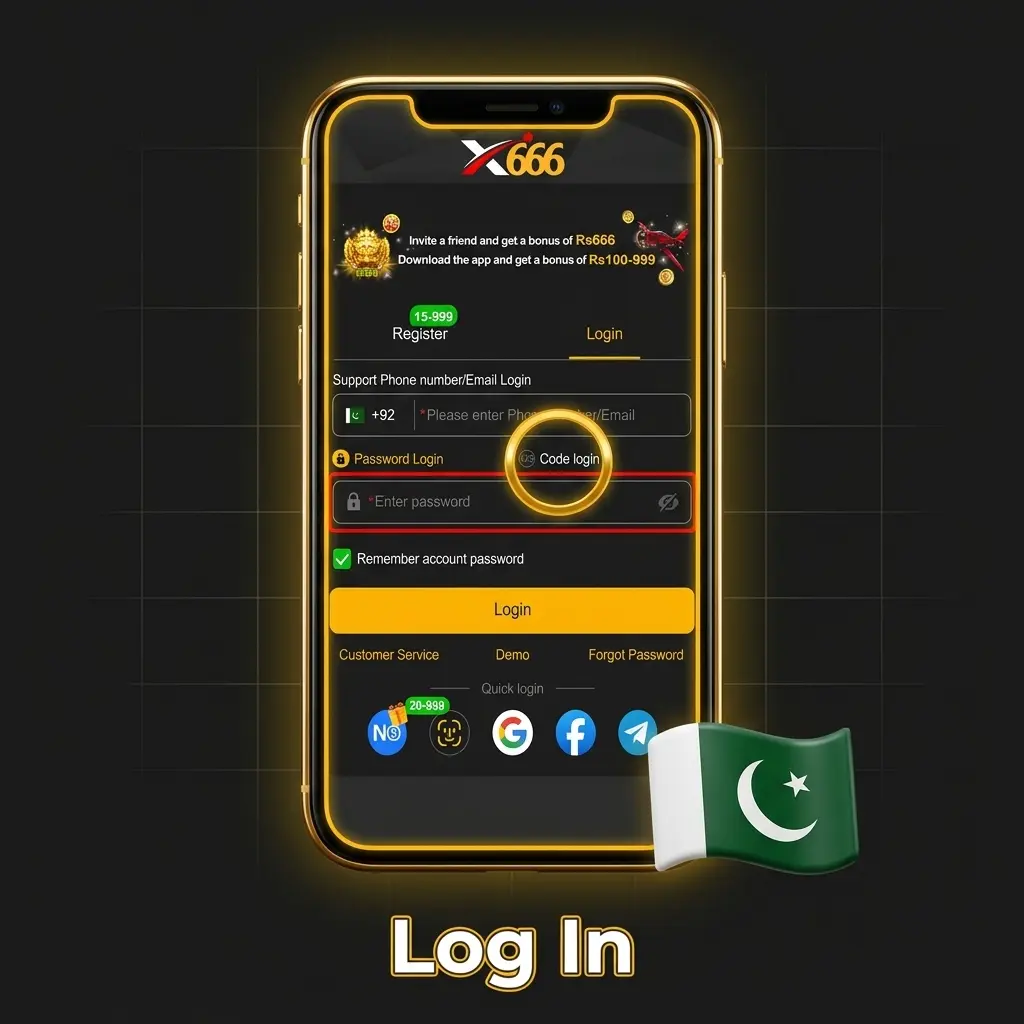
Click the submit button to sign in. Store your password securely to protect your account.
Yes. Enter your phone number with the +92 prefix in the registration form and choose either Password Registration or Code Register to complete the process.
Yes. You can use an email address instead of a phone number. Enter it in the contact detail field and proceed with your chosen registration method.
No. The registration form asks you to confirm you are 18 or older.
Code Register is a registration method available on the sign-up form. You enter your phone number or email, and a code is sent to that contact detail to complete your account creation.
Open the Login tab on this website, enter the phone number or email you registered with, type your password, and submit the form to access your account.
Yes. The website opens in a mobile browser. Android users can install the APK app, and iPhone users can add the PWA from Safari to register and play.
Updated: